Overview
FloorManager and JobRunner will recognize terms set for each vendor/sub-contractor, installer, or customer with a unique, determined time phase. If the desired duration is not already populated in the Terms Value List, these terms may be modified if needed. The terms will be associated with the record (customer, vendor, sub-contractor, or installer), and as A/P's are entered and A/R (Client Invoices), the pre-determined term will populate. Under special situations, if that vendor's term needs to be modified on a particular A/P, you may do so in the A/P module.
Setting Up Terms
Pacific Solutions has one Terms Value List that is used for Customers, Vendors, Subcontractors, and Installers. Clients in Implementation are provided with a default list of terms to edit as needed, and a terms import is performed. Once the initial import is complete, you can add, edit, and delete terms by heading to Admin > Terms.
When creating a new term, you can specify:
Provide a name for the term.
The days or dates the bill is due.
The day or date of the first discount level.
Percentage of the first discount level.
The day or date of the second discount level.
Percentage of the second discount level.
Setting Up Terms
Vendors
To set up terms for the Vendor record, from the Account Info tab, choose the applicable term from the list previous set up.
Sub-contractor/Installer
On the Employee Sub-contractor record, in the accounting tab, a drop-down menu under Terms will appear, allowing you to choose the sub-contractor/installer applicable term condition.
Customer/Contact
The location in the Customer/Contact file can be located on the phone tab to set customer terms.
How Terms Function in the System
A/P Functionality
Terms within the A/P module of the system self-populate when entering a payable; this default term is what we set in our vendor contact. If required, the terms on the A/P voucher can be adjusted using the drop-down menu.
When a discount term is applied to the A/P, it is displayed in the Bill Payment module and automatically applied. This discount does not reflect on the verified cost of the material.
A/R Functionality
In the A/R module, the default term is from the customer/contact record. This term can be altered on the proposal/estimate or the sale/job modules; they cannot be altered on an invoice. 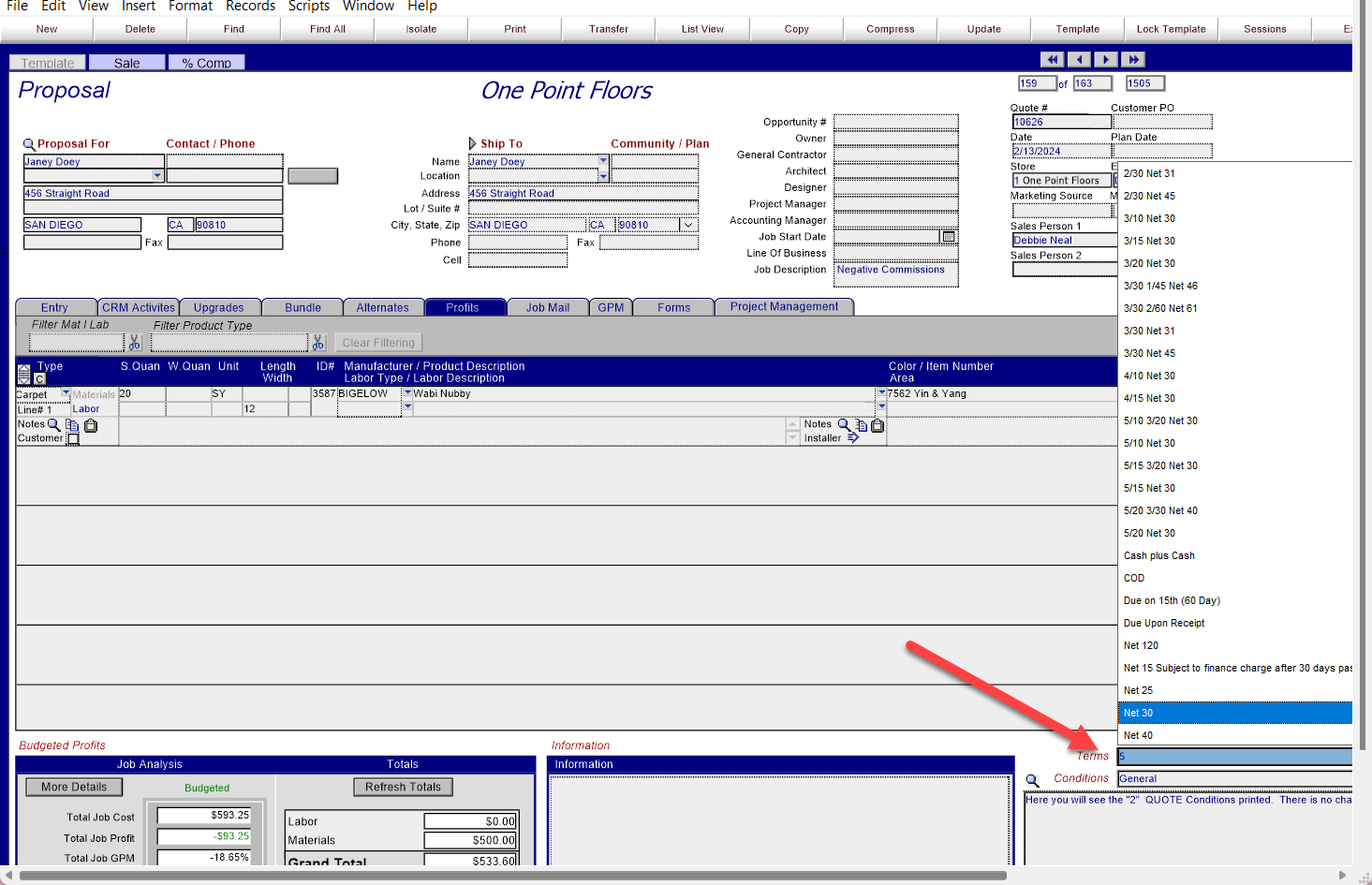
If you would like further training on terms, please reach out to your CSM.
ADMIN-v23b8.2.2-20240613DN/EB-KB.